
Bring your books with you
Move in an afternoon: connect your banks, import your history and your customers, and pick up where you left off.
Four steps
Connect your banks and cards
New transactions start arriving, sorted and waiting for your approval.
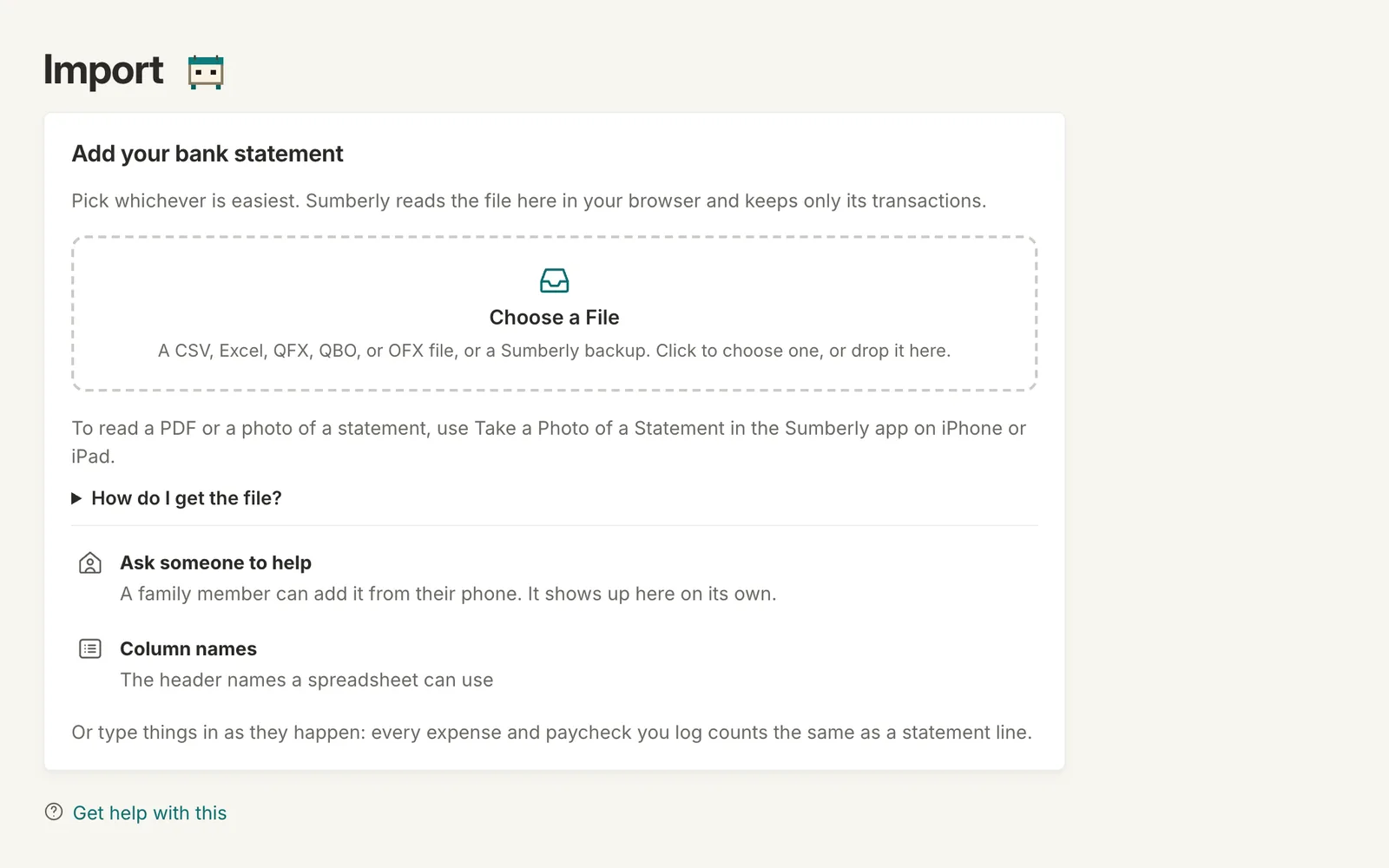
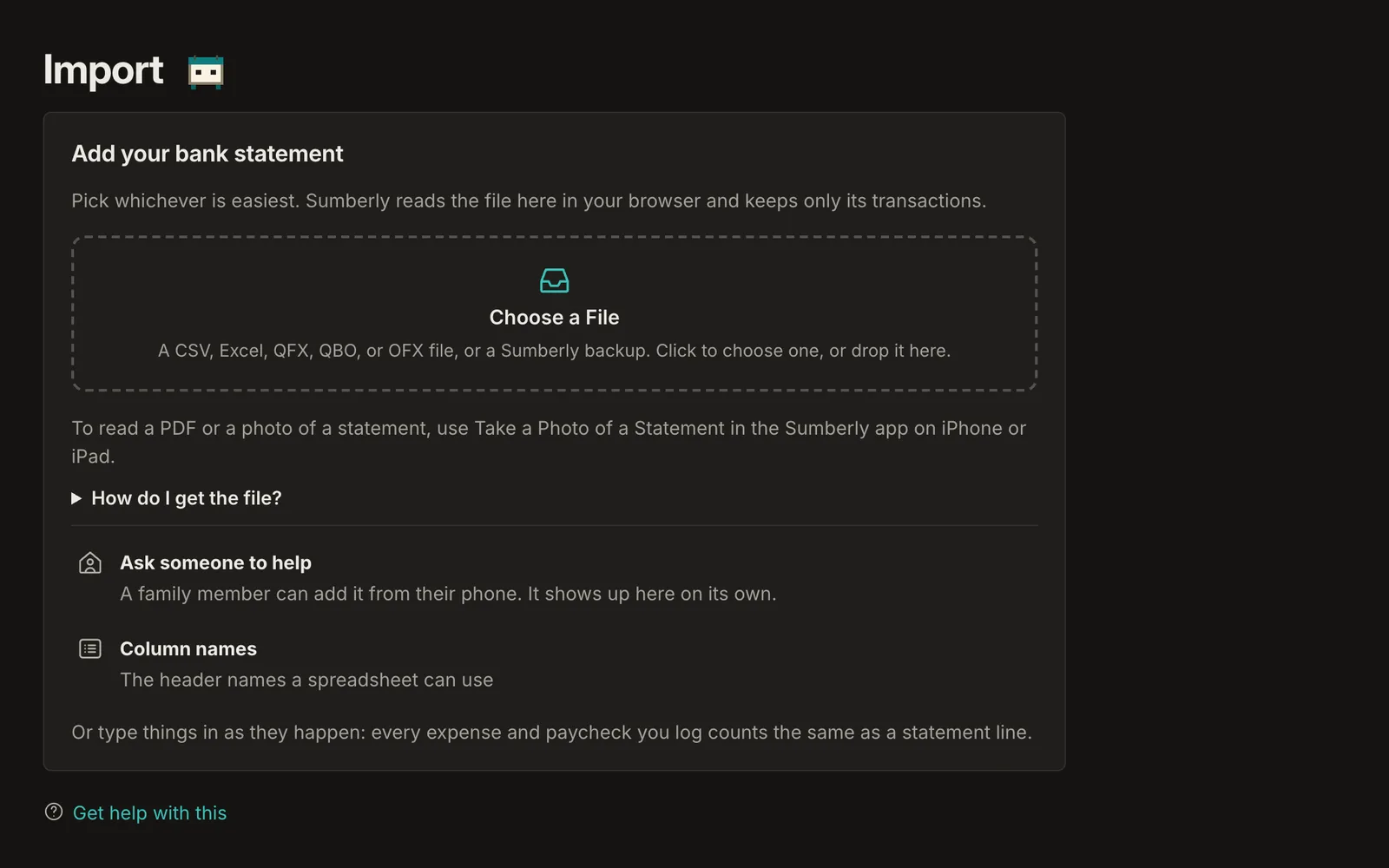
Bring in the past
Export your transactions from the program you use now or from your bank as a CSV, Excel, QFX, QBO or OFX file, and import them. PDF statements go through the app on iPhone or iPad.
Add your customers
Import your customer list from a file, so your next invoice is ready to send.
Check your categories
Sumberly's categories follow the IRS's lines. Map the old ones once, and rules take it from there.
Questions
Will my old numbers match?
Imported transactions keep their dates and amounts. Reports may differ where categories were mapped differently; check a month you know well first.
Can I keep using my old program for a while?
Yes. Many people run both for a month, then switch.
What about my old invoices?
Keep them in your old program for reference, and start new invoices in Sumberly.
Your books and your budget, finally in one place.
Sumberly opens soon. Leave your email and we'll write once, the day it does.