
Invoicing that keeps your books up to date
Make an invoice in a minute, record each payment as it comes in, and see what's open and overdue the moment you sign in. Every payment lands in your books, by category, ready for tax time.
On Essential, Plus and Advanced. Monthly, cancel anytime.
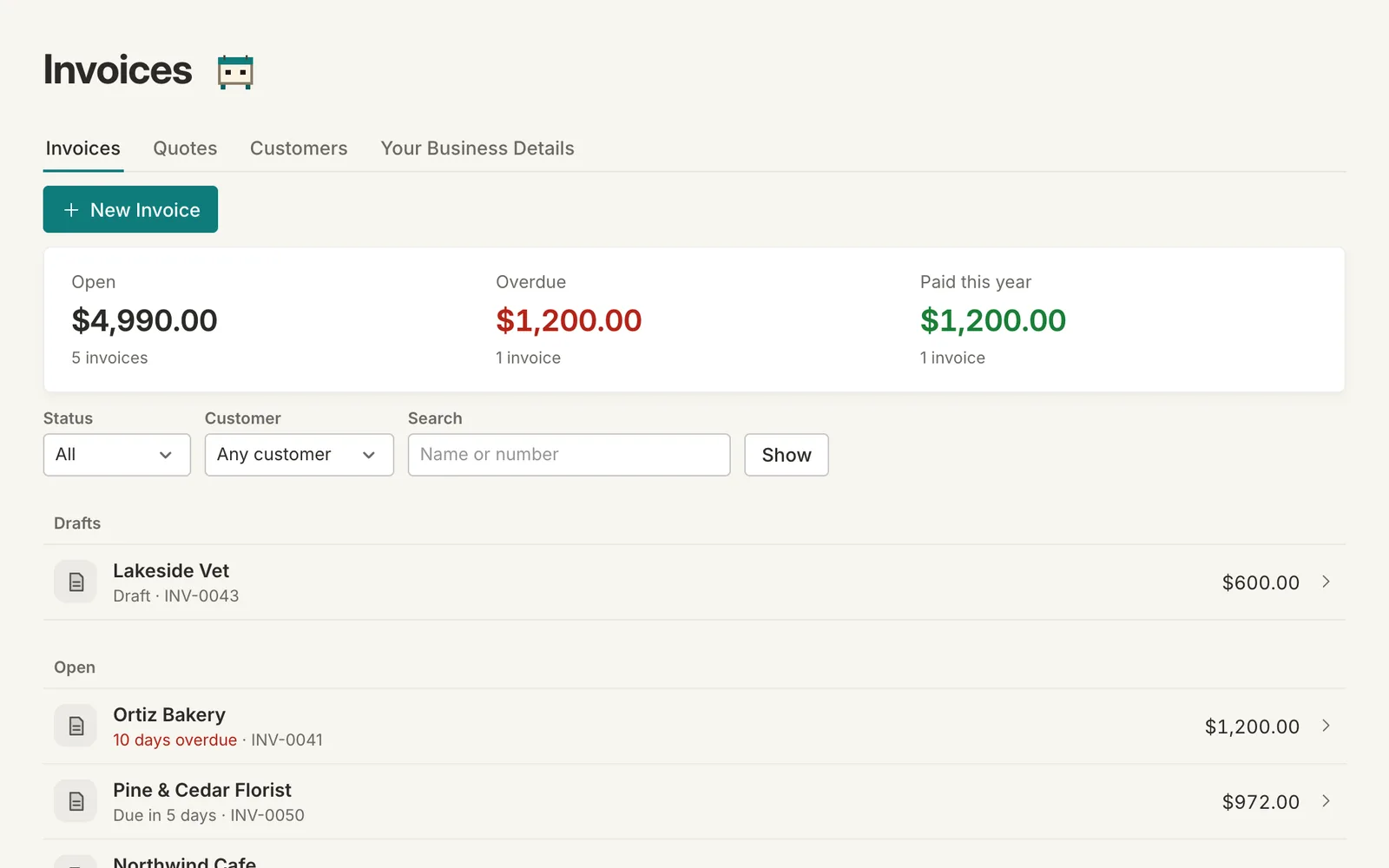
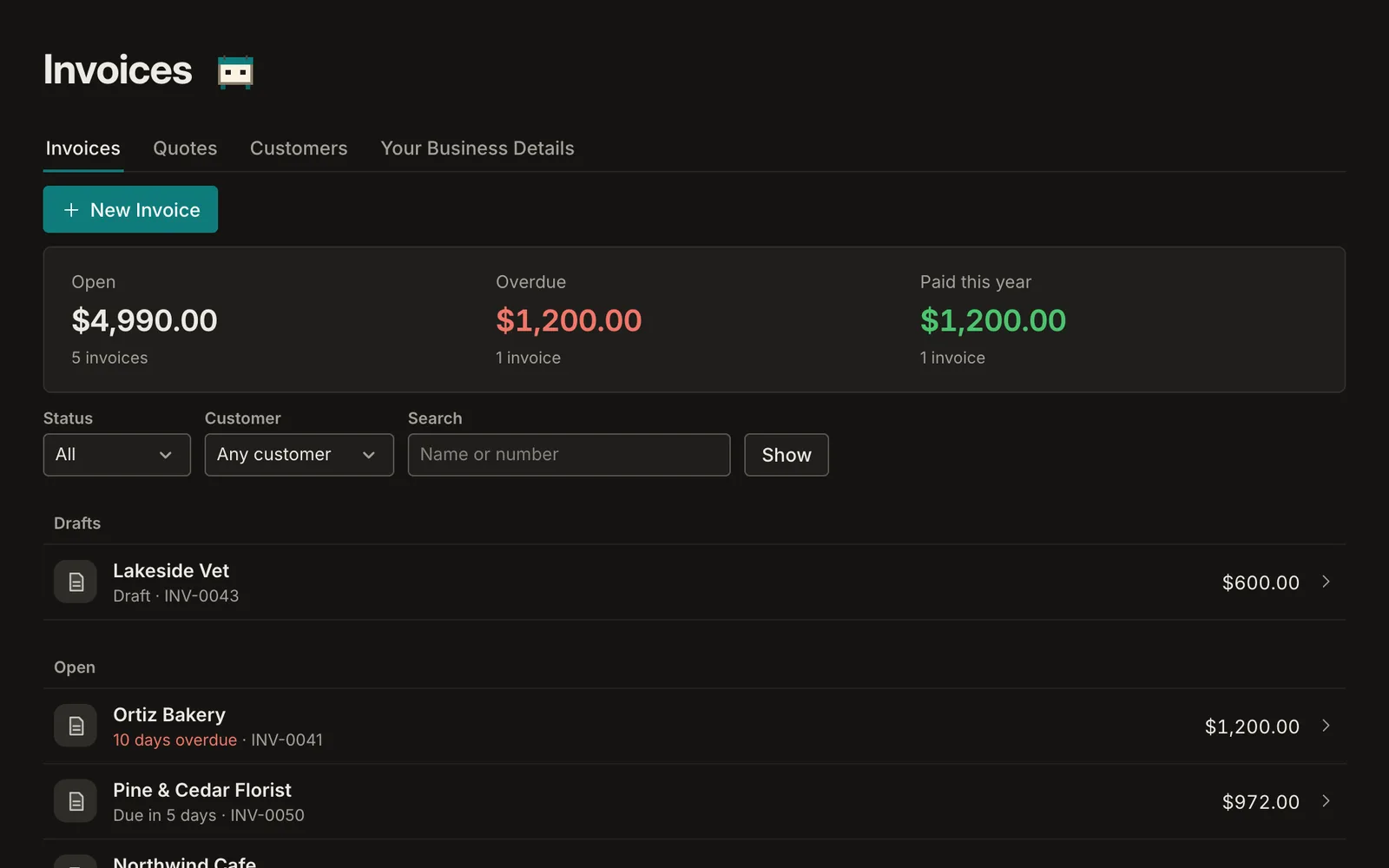
- Open, overdue and paid totals at a glance
- Partial payments and write-offs kept straight
- A PDF that looks like your business
An invoice in a minute, with your details on it
Choose the customer, add lines with quantities and prices, set the terms, and Sumberly works out the due date, the sales tax and the total. Your business's name, address and logo go on every invoice.
- Terms such as Net 15 or Net 30, or a date you pick
- Taxable lines, a discount, and a second tax when you need one
- Duplicate last month's invoice to start the next
Record payments as they come in
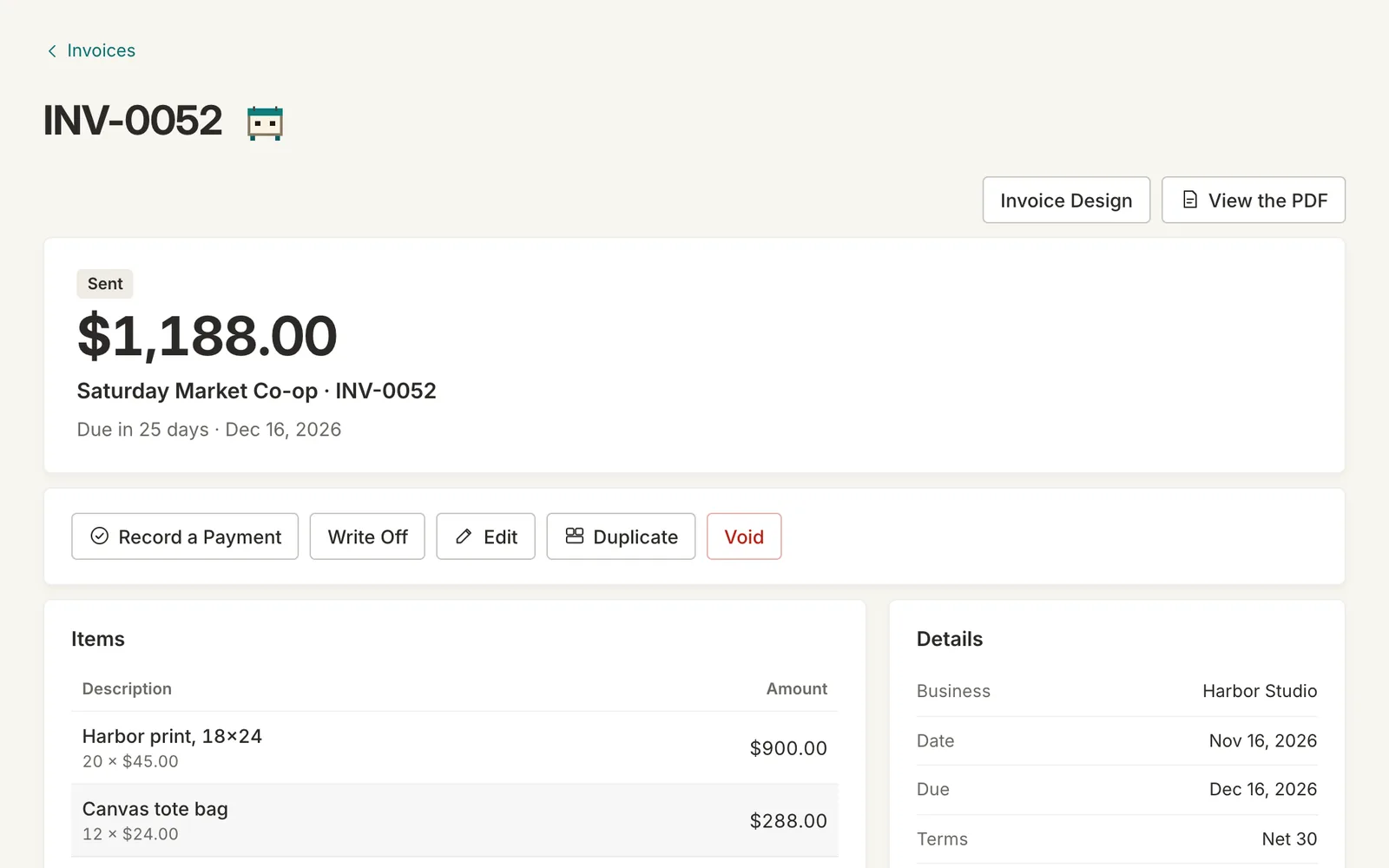
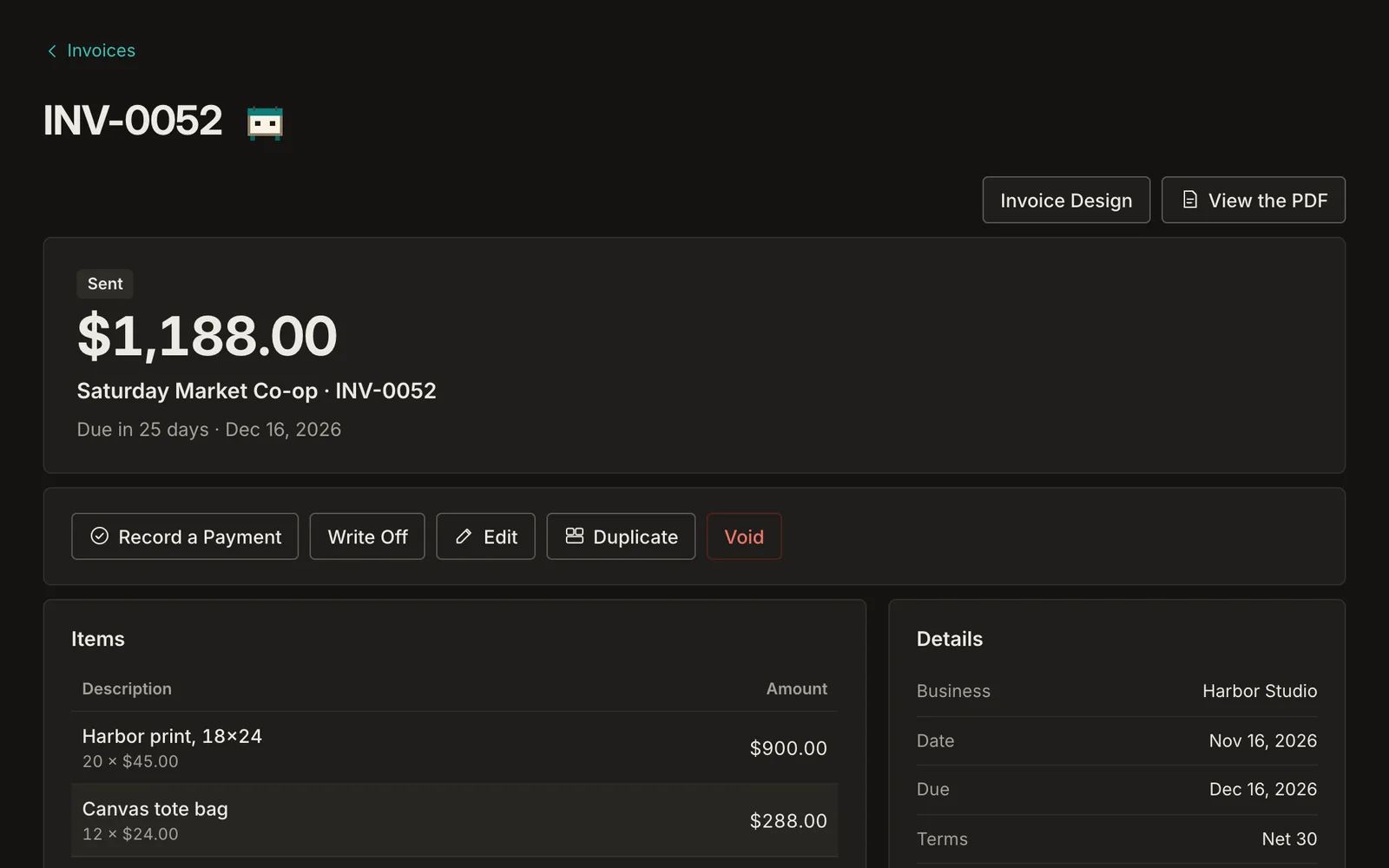
Mark an invoice paid in full, or record a partial payment and see the balance that's left. Write off what won't be paid, and take it back if it is. Each payment counts as income on the day the money arrived.
- Overdue invoices on Home, with the days they're late
- A payment history on every invoice
- Undo on every change
Open, overdue and paid, before you ask
The Invoices page opens on what's owed to you: the open total, what's past due, and what's been paid this year. Filter by customer or status, or search by number.
Invoicing: on Essential, Plus and Advanced
Monthly plans from $14.99. Every plan includes the app on iPhone and iPad.
Invoicing: questions
Can I record a partial payment?
Yes. Record any amount on any day; the invoice shows what's been paid and what's still due, and it closes itself when the balance reaches zero.
Does an invoice count as income when I send it?
Your Profit and Loss can show either way. Paid counts income on the day the money arrived (cash basis); Billed counts it on the invoice's date (accrual). The Tax Summary uses the method you file with.
Can I add sales tax?
Yes. Mark the lines that are taxable and set the rate; a second tax and a discount are there when you need them.
What happens to an invoice I'll never be paid for?
Write it off. The amount comes off what's owed to you and shows as a bad debt where your accounting method allows it. If the customer pays after all, take the write-off back.
Your books and your budget, finally in one place.
Sumberly opens soon. Leave your email and we'll write once, the day it does.