
Connect your banks and cards, and stop typing transactions
Link your checking, savings and credit cards, and new transactions arrive on their own, sorted and waiting for your approval. Personal includes 6 bank connections and every business plan includes 12.
On every plan. Monthly, cancel anytime.
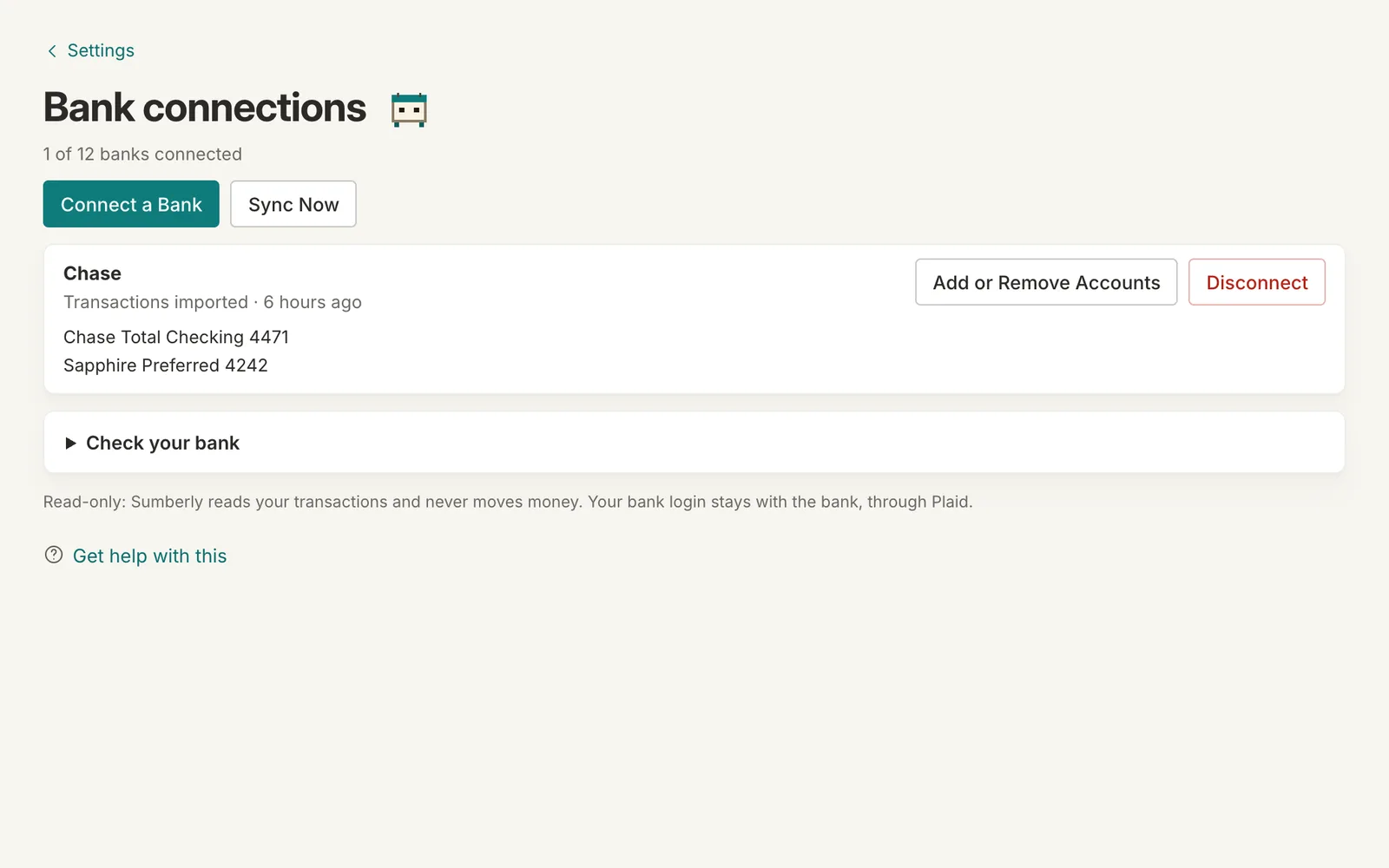
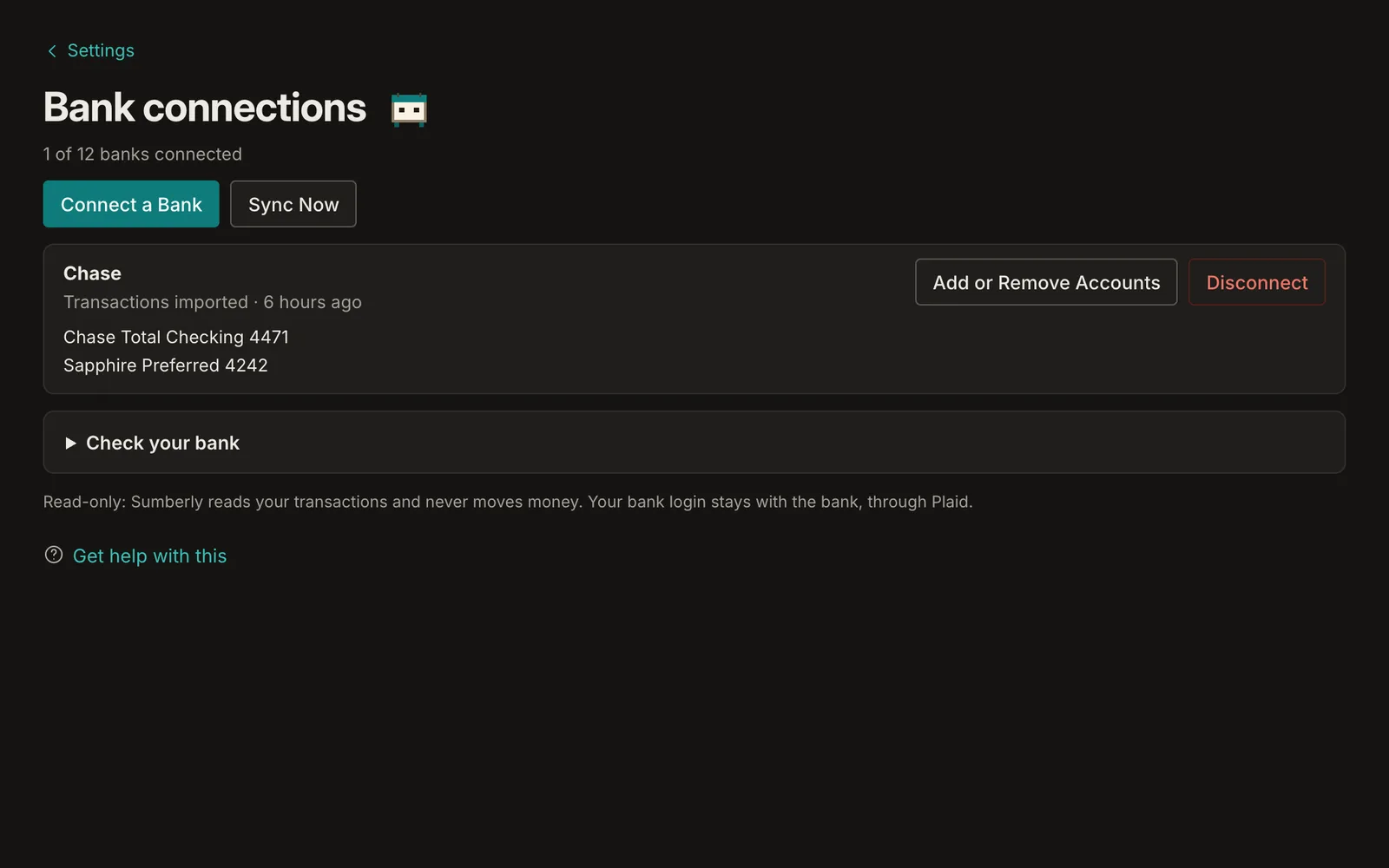
- Thousands of U.S. banks and card issuers
- Read-only: Sumberly can't move money
- Each account in the books it belongs to
Sign in to your bank once
Connections are made through Plaid. You sign in to your bank in its own window; Sumberly receives the transactions and never sees your bank password.
New transactions, already sorted
Each new transaction gets a category when Sumberly is sure of one, or waits in To review with a suggestion. Hide a row you don't want counted; nothing from your bank is ever deleted.
Each account in the right books
A new account waits in To place until you say whether it's personal or which business it belongs to, so a business card never lands in the household budget.
Bank connections: on every plan
Monthly plans from $14.99. Every plan includes the app on iPhone and iPad.
Bank connections: questions
Can Sumberly move money from my account?
No. Connections are read-only: Sumberly receives transactions and balances, and nothing else.
How many banks can I connect?
Personal includes 6 bank connections. Essential, Plus and Advanced each include 12.
What if my bank isn't listed?
Import its statements instead: a CSV, Excel, QFX, QBO or OFX file on the web, or a PDF or photo of the statement with the app on iPhone or iPad.
What happens to my bank connections if I cancel?
They're removed shortly after your last paid day. The transactions already in your books stay yours to see and export.
Your books and your budget, finally in one place.
Sumberly opens soon. Leave your email and we'll write once, the day it does.