
Quotes that turn into invoices in one click
Price the job, send the quote, and keep track of every answer. When a customer says yes, the quote becomes an invoice with the same lines, so nothing is typed twice.
On Essential, Plus and Advanced. Monthly, cancel anytime.
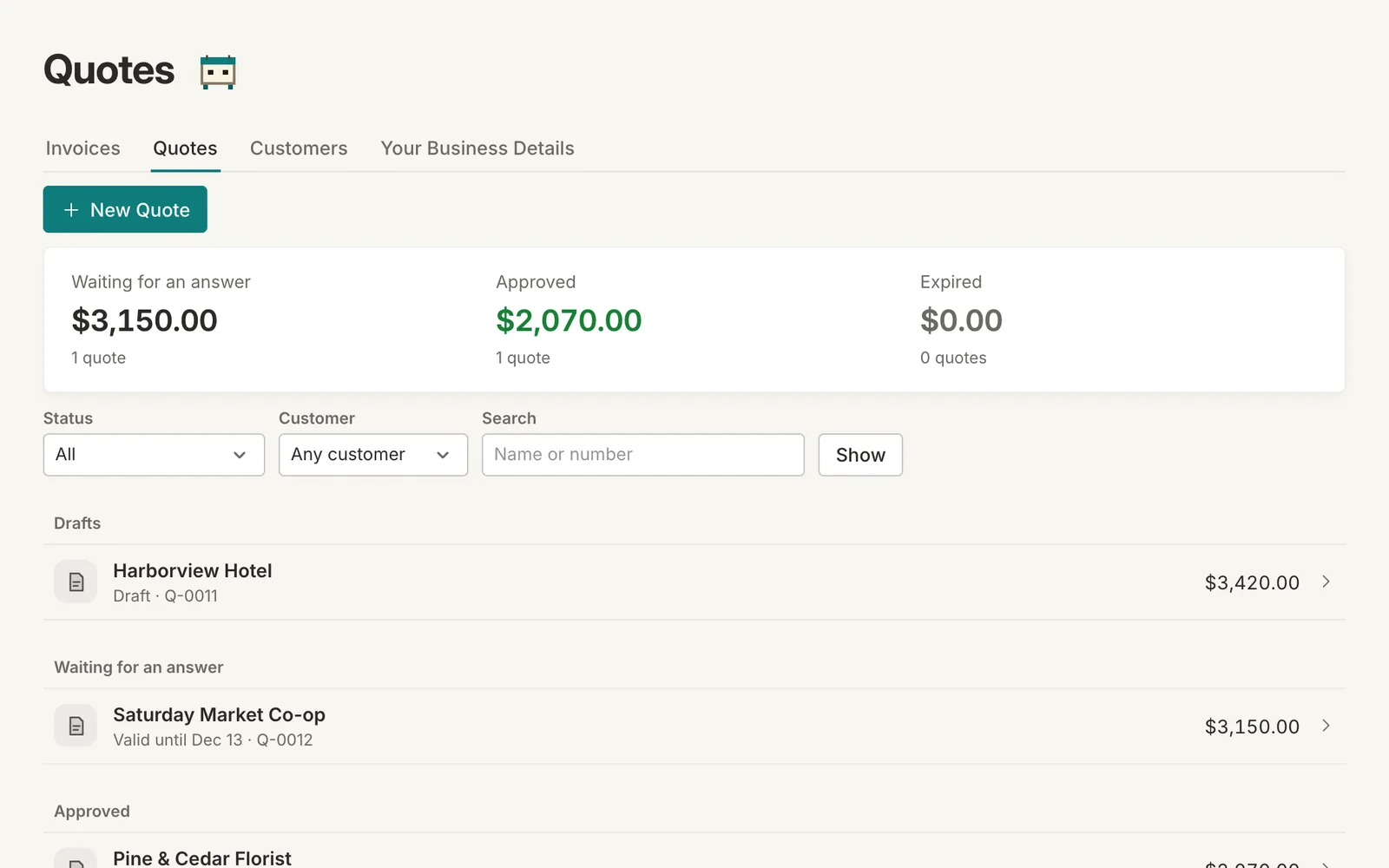
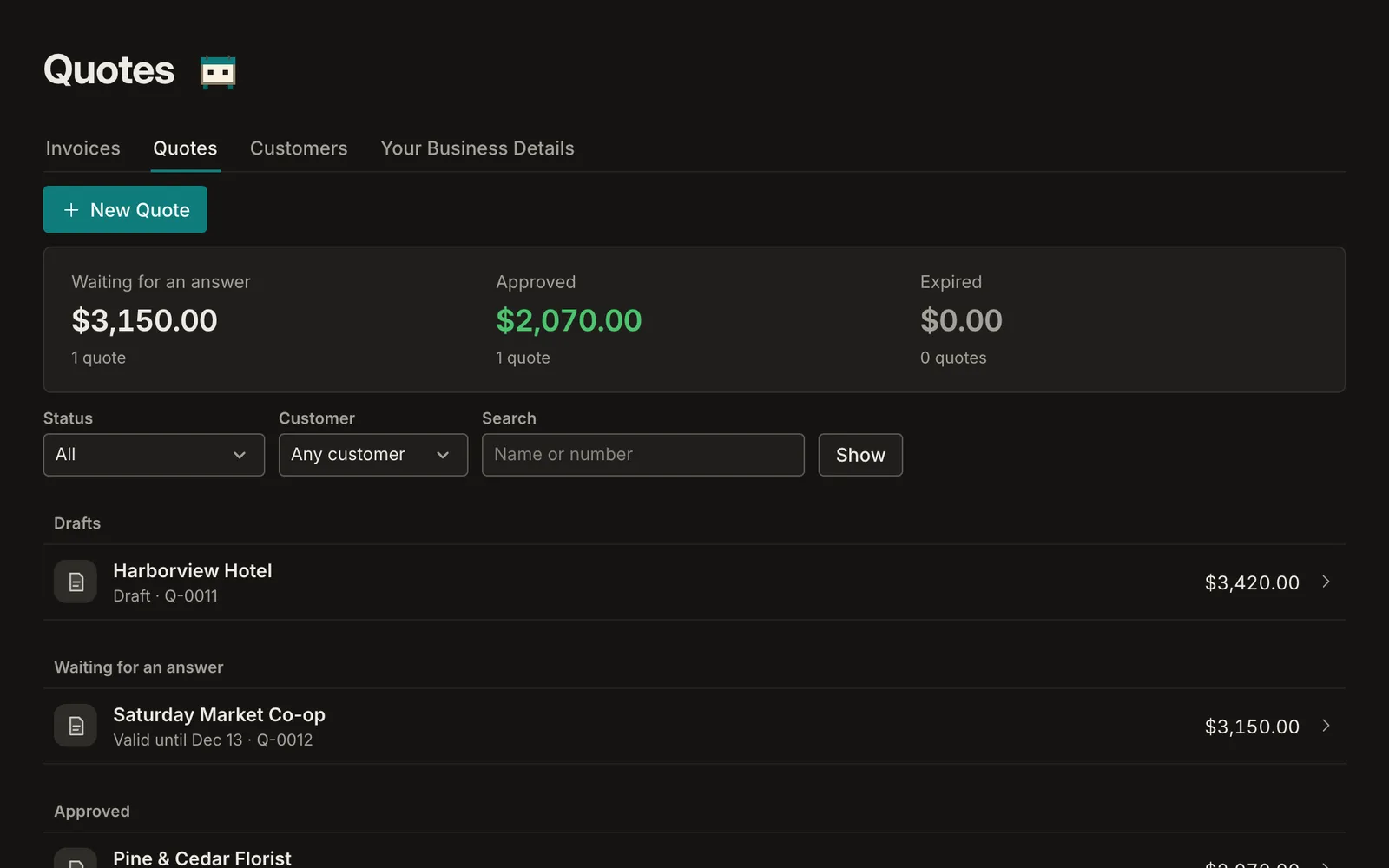
- Draft, sent, approved and declined in one list
- An approved quote becomes an invoice
- A valid-until date on every quote
The same lines as an invoice
A quote has everything an invoice has: lines, quantities, prices, taxes and a discount. Set how long the price holds, and add a note about what's included.
Every answer, in one place
Quotes sit in their states, so you can see what's waiting for a reply and for how long. Mark a quote approved, declined, or that the customer asked for changes, with their note beside it.
From yes to invoice in one click
Convert an approved quote and Sumberly makes the invoice from it, linked both ways, so you can always see which quote an invoice came from.
Quotes and estimates: on Essential, Plus and Advanced
Monthly plans from $14.99. Every plan includes the app on iPhone and iPad.
Quotes and estimates: questions
Is a quote the same as an estimate?
In Sumberly, yes: a quote is a price you offer before the work, whatever your trade calls it.
Does a quote count in my books?
No. A quote is an offer, so it never counts as income. The invoice it becomes does.
Can I change a quote after sending it?
Yes. Edit it and send it again; when a customer asks for changes, keep their note with the quote.
Can I copy an old quote?
Yes. Duplicate any quote to start a new one with the same lines.
Your books and your budget, finally in one place.
Sumberly opens soon. Leave your email and we'll write once, the day it does.