
Turn a PDF bank statement into transactions
With the Sumberly app on iPhone or iPad, open a PDF statement or take a photo of a paper one. Sumberly reads each transaction and shows you what it found before anything is added to your books.
On every plan. Monthly, cancel anytime.
- PDFs and photos on iPhone and iPad
- CSV, Excel, QFX, QBO and OFX on the web
- You check what it found first
PDFs and paper statements
Open a PDF from your bank or take a photo of a paper statement; the app reads the transactions and their dates and amounts for you to check.
Files from your bank
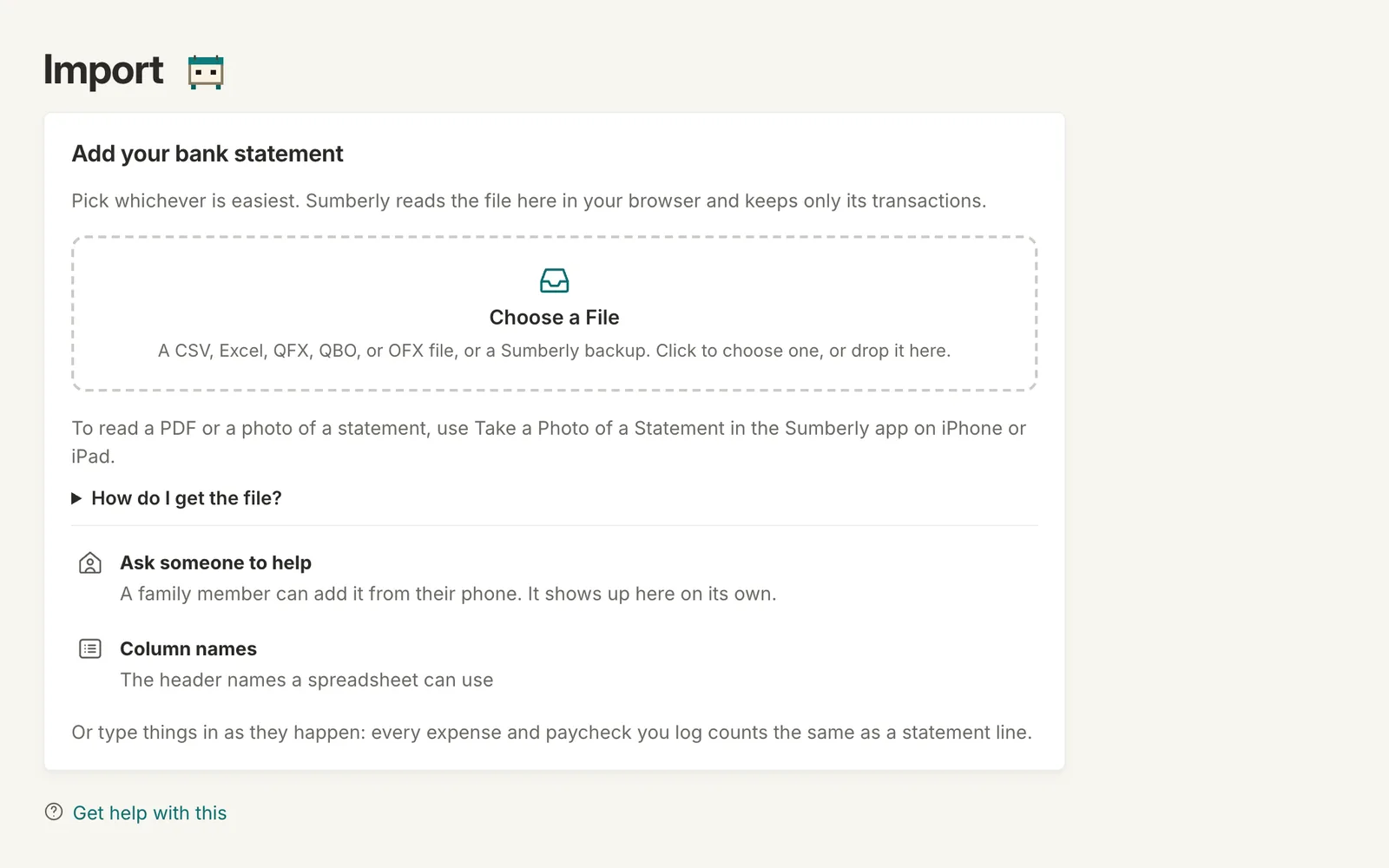
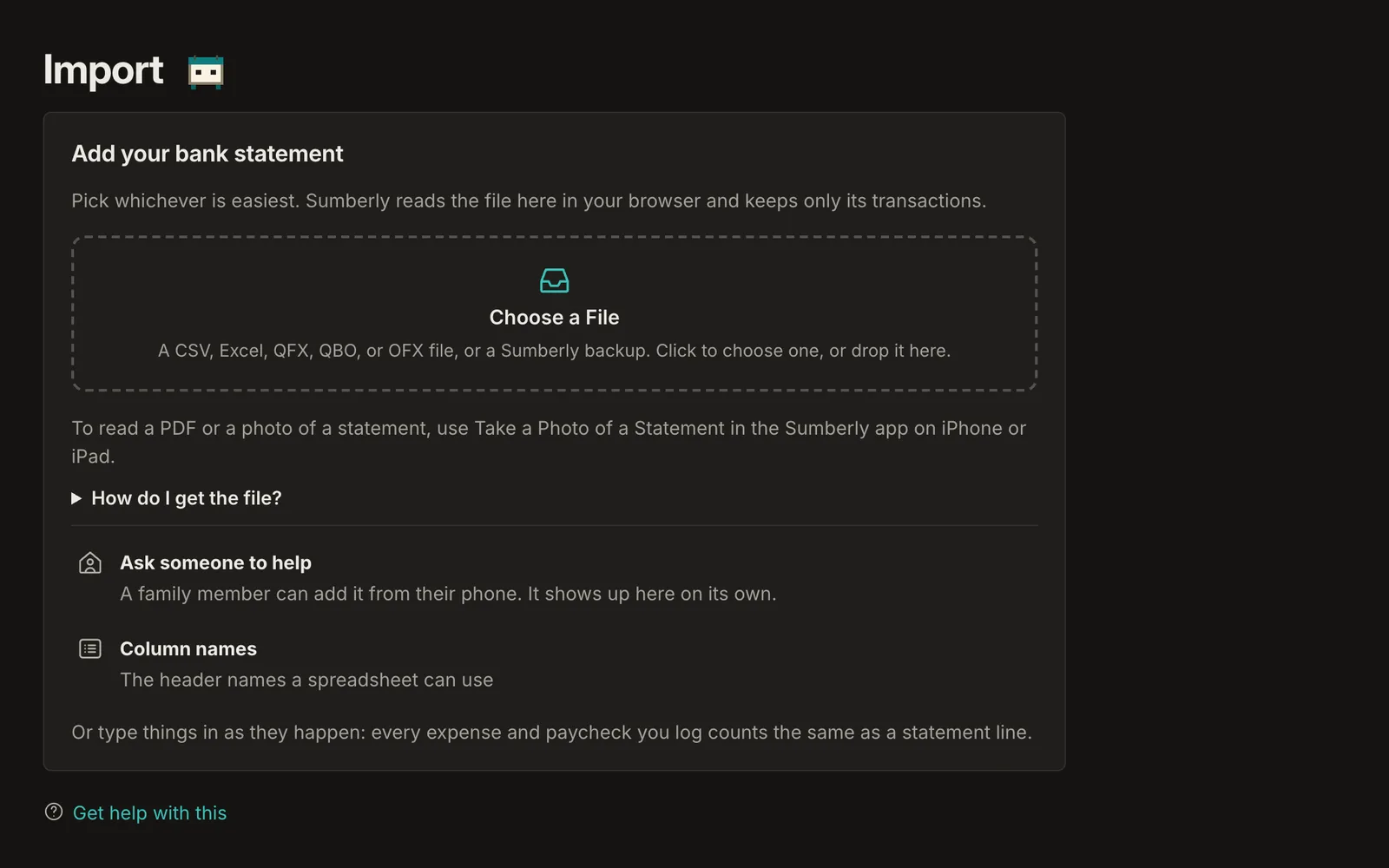
Download a CSV, Excel, QFX, QBO or OFX file from your bank and drop it on the Import page. It's read in your browser, and only the transactions are kept.
Statement import: on every plan
Monthly plans from $14.99. Every plan includes the app on iPhone and iPad.
Statement import: questions
Why import if I can connect my bank?
For years before you connected, for a bank that can't connect, or if you'd rather not connect at all.
Can I check the transactions before they're added?
Yes. Sumberly shows what it found, and nothing is added until you say Import.
Your books and your budget, finally in one place.
Sumberly opens soon. Leave your email and we'll write once, the day it does.